Digital menu vs paper menu: what a restaurant gains from a QR code on the table
What reprinting the menu at every price change costs you, what you lose when a tourist cannot read it, and what a QR menu actually delivers.
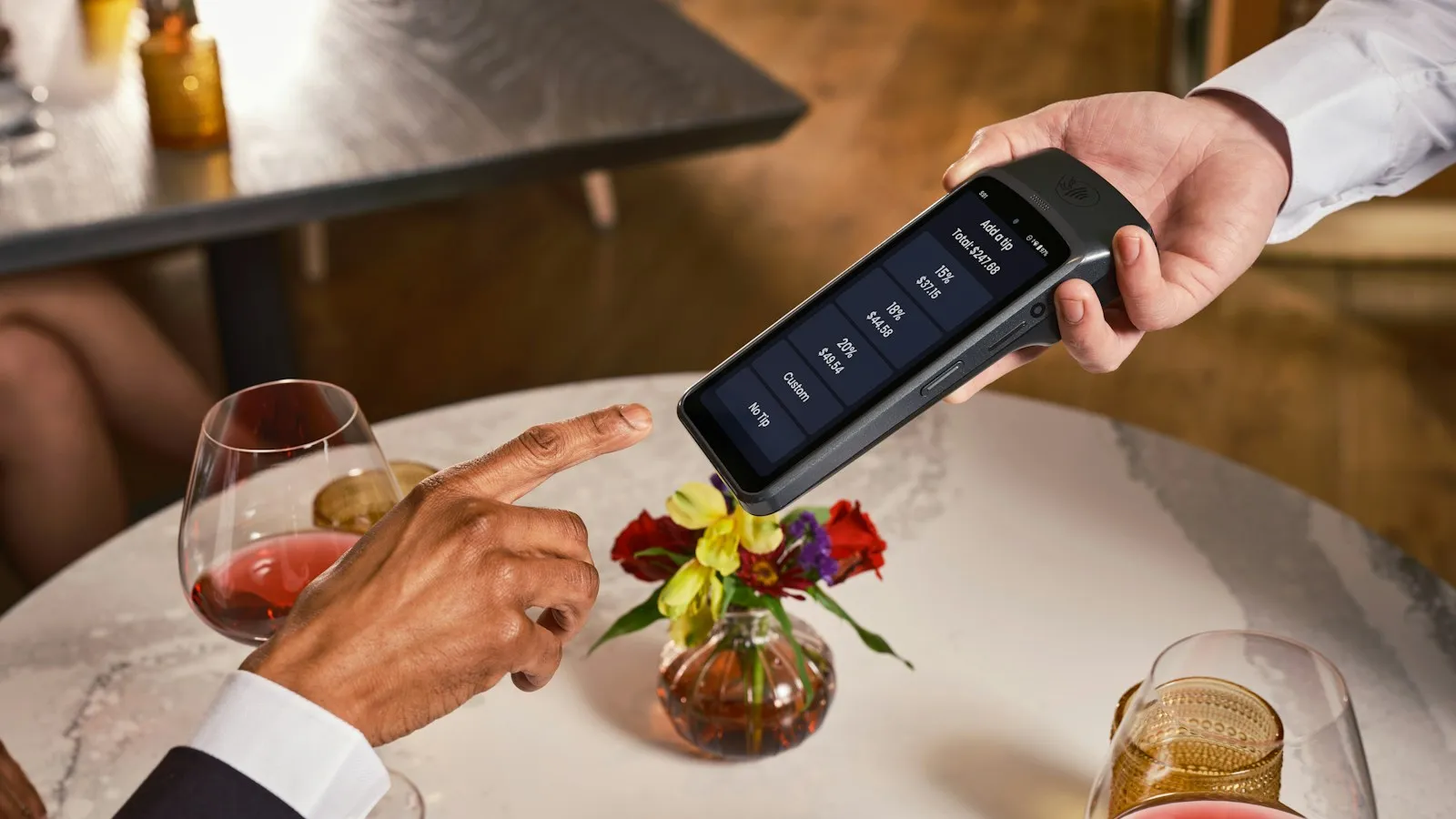
Every restaurant owner knows the situation: the supplier raises prices and the menu was printed a month ago. Or a group of tourists looks at the menu, understands nothing and leaves. A digital menu solves exactly these problems, but it is not magic. Here is what it gives you, what it does not, and how to make one that guests actually use.
What a digital menu is
A web page built specifically for your restaurant, with categories, dishes, photos, prices and allergens. A QR code sits on every table, the guest scans it with their phone and the menu opens instantly, with no app and no sign-up. You make changes yourself, from your phone, in a minute.
What you gain
- No more reprinting. A price change, a new dish, a sold-out item: you edit it and guests see the current menu that same second. One print run of 20 laminated menus costs about half of a digital menu.
- Languages. English, German, Bulgarian, Turkish: the guest picks a language and reads in their own. For restaurants in tourist areas this is the difference between an order and “just a water”.
- Photos sell. A dish with a photo gets ordered more often than a dish with just a name. Good photos raise the average bill.
- Allergens and information. Required by law and often missing on paper. Digitally they are marked with an icon.
- Less waiting. The guest browses the menu while the waiter is on the way. Tables turn faster.
- Google finds you. The menu is a web page, so people searching “restaurant + town” reach it and see what you offer before they come.
What it does not do
A digital menu does not fully replace the paper one, and it should not. There are always guests without a phone at hand, older people or simply those who prefer paper. Keep a few paper menus for them. Also, the menu is not an ordering system: the guest reads, but orders with the waiter. Online ordering is a separate feature that can be added if you need it.
The best QR menus go unnoticed. The guest scans, reads, orders. If they have to install something or wait for loading, they give up.
What makes a QR menu good
- 1It opens in under two seconds on any phone, even with slow internet.
- 2It looks like your restaurant, not like a template you have seen in three other places.
- 3Categories are visible immediately: salads, mains, drinks. No scrolling through 80 dishes.
- 4The photos are real, of your dishes, not stock images.
- 5Changes are easy. If you have to call someone for every price, it is not a digital menu, it is a paper menu with a QR code.
Examples from our clients
We have built menus for restaurants in Bulgaria and Norway, in two and three languages, with QR codes for the tables and the shop window. Have a look at our projects, scan and see how it works on your own phone. If you want the same for your restaurant, write to us, it takes a few days.
Google Business Profile for restaurants: a 20-minute setup that brings guests every day
The free Google Maps profile is the strongest tool any restaurant has, and most leave it half-filled. Step by step, what to do today.
How much does a website cost in 2026: what decides the price and why quotes differ so much
Two quotes for “a website” can differ several times over. Here is what actually decides the price, what a serious quote has to include, and how to compare offers without paying for things you do not need.
Website or Facebook page: which one brings small businesses more clients
Facebook is free and quick, a website costs money. Why the businesses with the most enquiries have both anyway, and in which order to build them.