Google Business Profile for restaurants: a 20-minute setup that brings guests every day
The free Google Maps profile is the strongest tool any restaurant has, and most leave it half-filled. Step by step, what to do today.
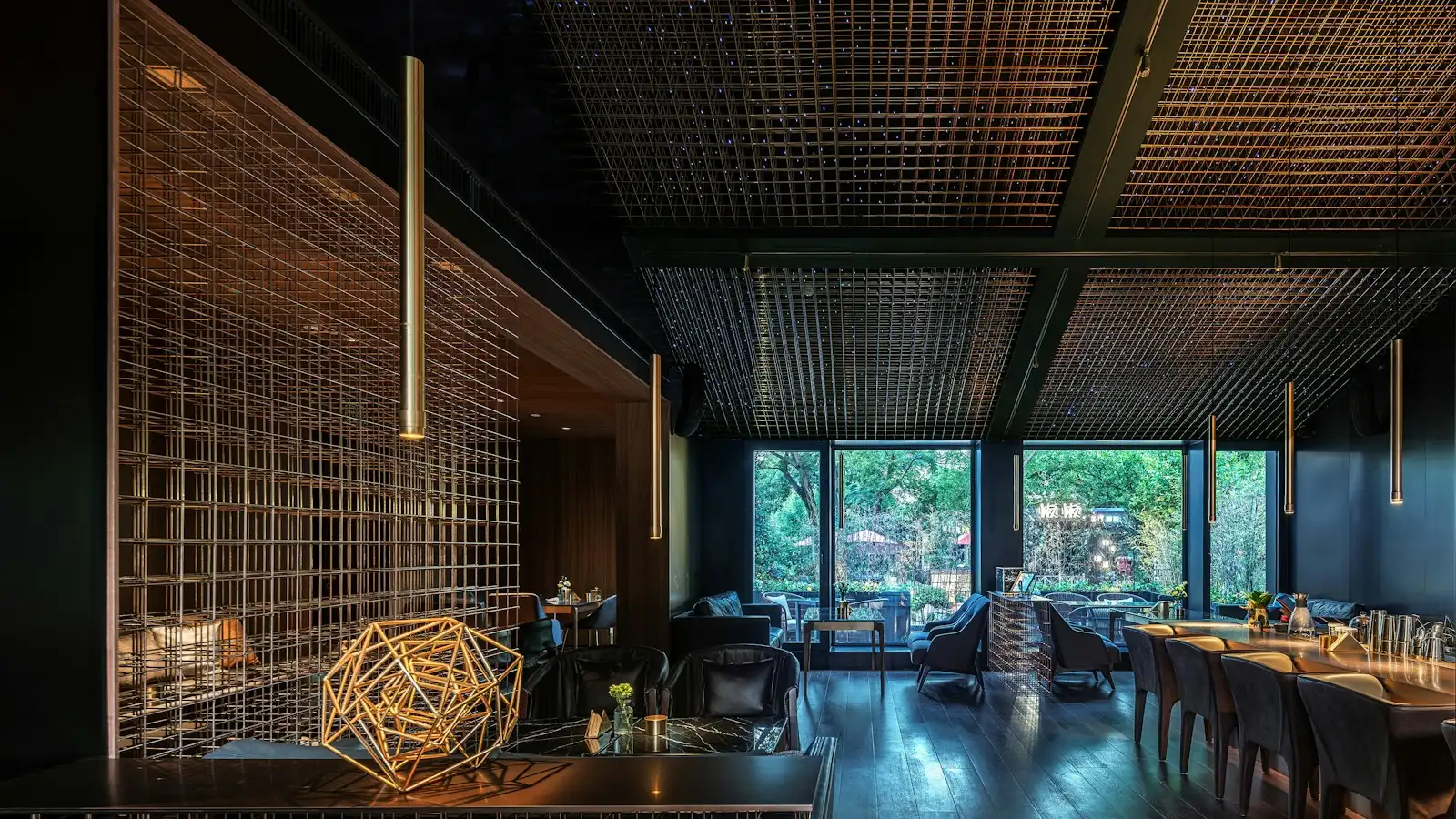
When someone types “restaurant near me” or “pizza” plus a town into Google, the first thing they see is not websites but the map with three places. Whether you are one of them depends on your Google Business Profile. It is free, takes 20 minutes and brings more guests than any ad. Here is how to do it properly.
Step 1: find or create the profile
Search for your restaurant's name in Google Maps. If it already exists (Google often creates it automatically from other people's data), click “Own this business?” and claim it. If it is not there, go to business.google.com and add it. Verification is by phone code, email or a postcard.
Step 2: fill in everything, not half
- Category. Primary: “Restaurant”, “Pizza restaurant”, “Café”. Add secondary ones too: “Food delivery”, “Breakfast restaurant”. Google only shows the profile for searches that match the categories.
- Opening hours. Exact, including holidays. Nothing kills trust like “closed” in front of an open door.
- Phone and website. A website or a digital menu: the link must lead to something that opens well on a phone.
- Menu. Google has a separate menu field. Put a link to your digital menu there, not a photo of a paper one.
- Attributes. Terrace, parking, high chairs, dogs allowed, Wi-Fi, reservations. Every attribute is a filter someone searches by.
- Description. 750 characters about what you offer and for whom. No slogans, real words that people search: “home cooking”, “seafood restaurant”, “vegetarian dishes”.
Step 3: photos, many and real
Restaurants with over 100 photos get significantly more calls and website visits than those with 10. Upload photos of the dishes, the dining room, the terrace, the team, the entrance (so people can find you). Add a few every week. Do not use stock photos: Google recognises them, and guests even more so.
Step 4: reviews
Reviews are the strongest ranking factor on the map and the strongest factor in the guest's decision. Ask every happy guest for a review: with a small QR-code sign on the table or on the bill. Reply to every review, good and bad, within a day. A calm, specific reply to a bad review wins more future guests than ten five-star ratings.
The Google Maps profile is your shop window for people who are already hungry and already nearby. There is no warmer customer than that.
Step 5: posts and questions
Post something once a week: a new dish, an event, a lunch offer. It takes two minutes and shows Google that the place is active. Check the “Questions and answers” section: if nobody has asked, ask the most common questions yourself and answer them: “Is there parking?”, “Do you take cards?”, “Are dogs allowed?”.
Mistakes we see all the time
- A different address, phone or name on Google, on Facebook and on the website. Make them identical everywhere.
- A profile claimed by a former employee or an agency you no longer have access to.
- An empty menu field, or a link to a PDF that does not open on a phone.
- Bad reviews without a reply.
- Photos from the opening four years ago and nothing since.
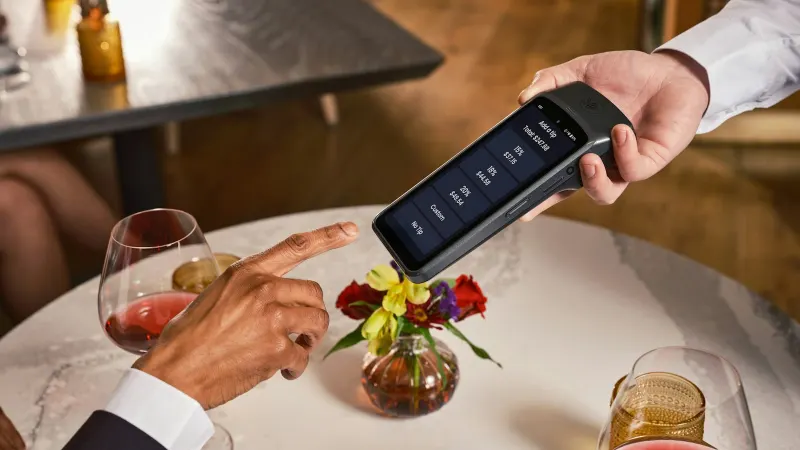
Digital menu vs paper menu: what a restaurant gains from a QR code on the table
What reprinting the menu at every price change costs you, what you lose when a tourist cannot read it, and what a QR menu actually delivers.
How much does a website cost in 2026: what decides the price and why quotes differ so much
Two quotes for “a website” can differ several times over. Here is what actually decides the price, what a serious quote has to include, and how to compare offers without paying for things you do not need.
Website or Facebook page: which one brings small businesses more clients
Facebook is free and quick, a website costs money. Why the businesses with the most enquiries have both anyway, and in which order to build them.