Launching an online store: shipping, payments and the decisions to make before the first line of code
Cash on delivery or card, which couriers, who pays for shipping. The practical decisions that determine whether a store will sell, made before development starts.
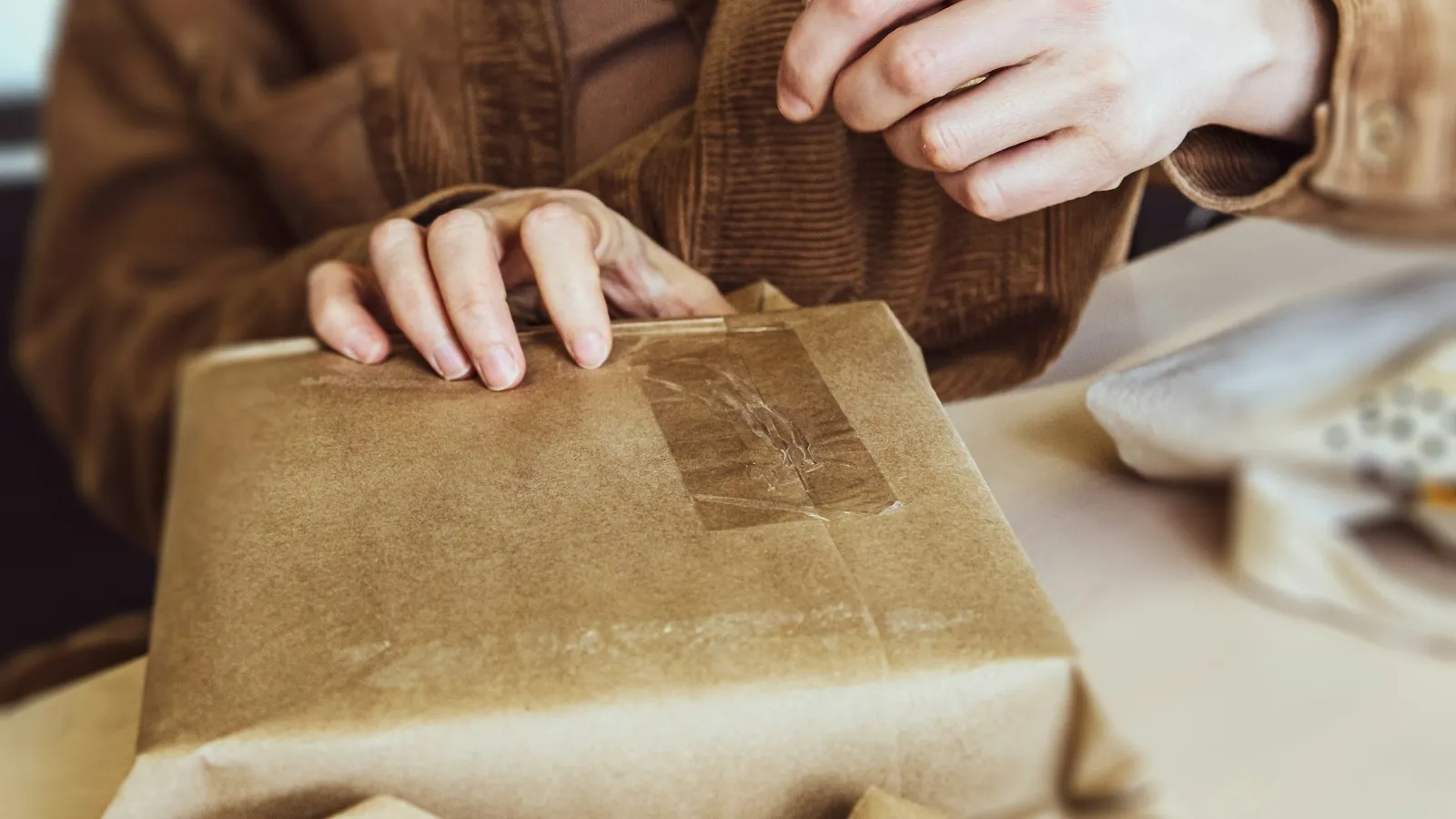
Most people picture an online store as “a website with a cart”. The cart is the easy part. The hard decisions sit around it: how the parcel reaches the customer, how you receive the money and what happens when someone returns the goods. Here is what you should have decided before development begins.
Shipping: which couriers and how
A good store has a direct integration with your couriers: the customer picks a pickup point or an address from a list, the shipping price is calculated automatically, and you print the shipping label with one click, without copying addresses by hand.
- Pickup points are cheaper and customers prefer them for small orders.
- Home delivery is a must for more expensive or bulky goods.
- Parcel lockers are growing fast, especially in big cities.
- Offer at least two couriers. Customers usually have a favourite and will not change their habit for you.
Who pays for shipping
The option that works best for a small store: free shipping above a threshold (for example above €60), and below it the customer pays the real price. This raises the average order, because people add one more product to reach the threshold. “Free shipping on everything” sounds nice, but on small orders it eats your margin.
Payments: cash on delivery and card
In many markets cash on delivery is still the most popular option and you should offer it. But it also brings the most refused parcels: the customer orders impulsively and never picks it up. Card payment solves that, because what is paid for gets collected. Offer both, and for cards use an established payment provider, so the customer's card data never passes through your website.
A store without cash on delivery loses customers. A store with only cash on delivery loses money on unclaimed parcels. You need both.
What else you need to decide
- 1Stock. Do you also sell offline? Then stock has to be synchronised, or you will sell the last item twice.
- 2Returns and complaints. By law the customer has 14 days to return. Write clear terms so there are no disputes.
- 3Promo codes and discounts. The easiest way to bring a customer back. The store must support them from day one.
- 4Product photos. Same background, same size, several angles. Bad photos kill sales more than a high price does.
- 5Terms and privacy policy. Mandatory, and written for your store, not copied from somewhere.
How long and how much
An online store with products, cart, couriers and payments takes about 2–4 weeks if the products and photos are ready. The exact price comes in the quote, after a short call about what you sell and how. Have a look at the stores we have built in our projects: butcher products, clothing, cigars, security systems, event tickets.

How much does a website cost in 2026: what decides the price and why quotes differ so much
Two quotes for “a website” can differ several times over. Here is what actually decides the price, what a serious quote has to include, and how to compare offers without paying for things you do not need.

Google Business Profile for restaurants: a 20-minute setup that brings guests every day
The free Google Maps profile is the strongest tool any restaurant has, and most leave it half-filled. Step by step, what to do today.

Website or Facebook page: which one brings small businesses more clients
Facebook is free and quick, a website costs money. Why the businesses with the most enquiries have both anyway, and in which order to build them.